
How to Use Suica on iPhone in Japan (2026 Guide)
Imagine landing at Narita or Haneda, clearing customs, and gliding through Tokyo’s bustling stations with a single effortless tap of your iPhone — no tickets, no queues, just seamless energy from the moment you arrive. Using IC card (Suica, PASMO, or ICOCA) on your iPhone is the easiest and the most popular method to travel around Japan in 2026. Once added to Apple Wallet, you can tap through train gates, pay at convenience stores, and recharge instantly — all without buying a physical card.
1. Add Suica to Apple Wallet
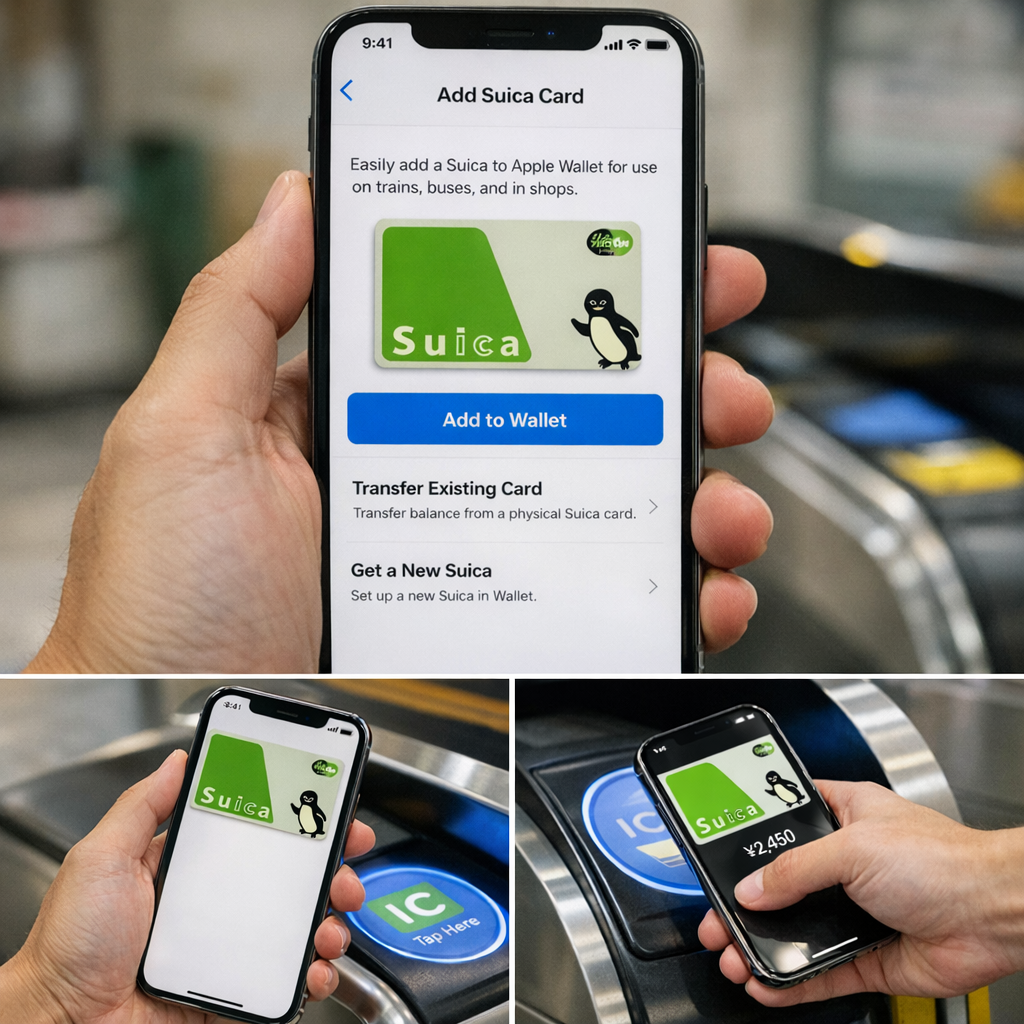
How to add it:
- Open Wallet on your iPhone
- Tap the + button
- Select Transit Card → Suica
- Choose Get a New Suica or Transfer Existing Card
- Select your starting balance
- Confirm with Face ID
2. Enable Express Mode (Recommended)
Express Mode lets you tap gates without unlocking your phone.
How to enable it:
- Go to Settings → Wallet & Apple Pay
- Tap Express Travel Card
- Select Suica
3. Use Suica at Train Stations
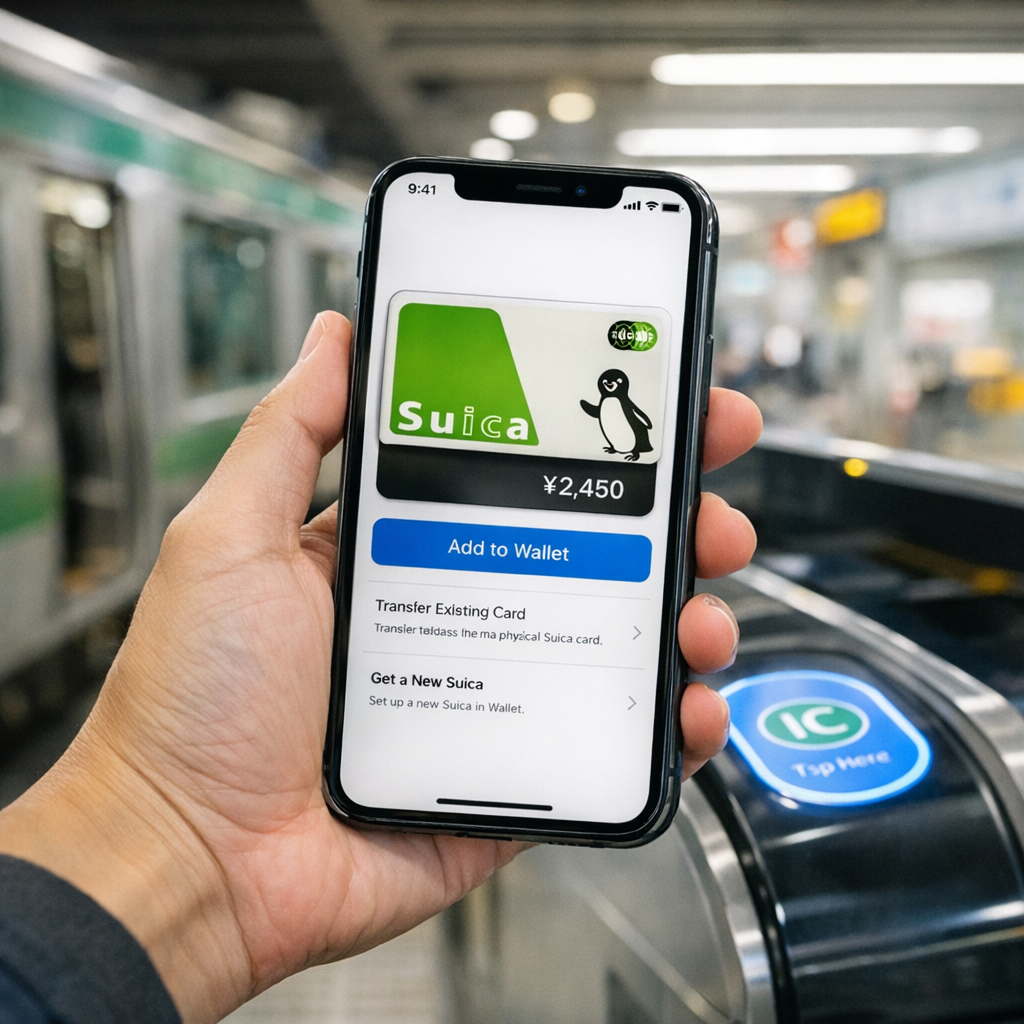
How to use it:
- Hold the top of your iPhone near the IC reader
- Wait for the beep and green light
- Walk through — that’s it
Works on:
- JR East
- Tokyo Metro
- Toei Subway
- Private railways
- Buses across Japan
4. Use Suica for Payments
You can also pay with Suica anywhere you see the Suica or IC logo:
- 7‑Eleven
- FamilyMart
- Lawson
- Vending machines
- Coin lockers
- Some taxis
- Station shops
5. Recharge Suica on Your iPhone
How to recharge:
- Open Wallet
- Tap Suica
- Tap Add Money
- Choose an amount
- Confirm with Face ID
6. Suica vs PASMO vs ICOCA (2026 Comparison)
| Feature | Suica | PASMO | ICOCA |
|---|---|---|---|
| Region | Tokyo (JR East) | Tokyo (Private Rail / Metro) | Kansai (JR West: Osaka, Kyoto, Kobe) |
| Works Nationwide | Yes | Yes | Yes |
| Apple Wallet Support | Yes + Express Mode | Yes + Express Mode | Yes + Express Mode |
| Best For | iPhone users, JR East lines | Tokyo Metro, Toei & private lines | Osaka, Kyoto, Kobe area |
| Refundable | Yes (JR East; ¥220 fee often applies) | Yes (PASMO centers; usually no fee) | Yes (JR West offices) |
| Transfer Physical Card | Yes | Yes | Yes |
| Use for Shopping | Yes | Yes | Yes |
| Use for Shinkansen | Only with separate ticket/service | Only with separate ticket/service | Only with separate ticket/service |
Pro Tip: For most travelers, it doesn’t matter which one you choose — they all work everywhere. Pick whichever is easiest to buy at your arrival airport (Suica/PASMO at Narita & Haneda, ICOCA at Kansai).
7. Tips for Travelers
- Works offline: No mobile data needed to tap gates.
- Battery dead? Battery dead? iPhone XS and newer support Power Reserve for Express Mode (up to ~5 hours for taps and some purchases).
- Refunds: Digital Suica can be refunded at JR EastDigital Suica refunds are usually handled via the Mobile Suica app or Apple Wallet (may involve a fee and return to your card). Physical cards require JR East offices.
- Apple Watch: You can add Suica directly to Apple Watch (via the Watch app on iPhone) or transfer from your iPhone. Note: The card can only be active on one device at a time.